
Формат налогаAccount format
Студентски мејл има обликabxxxxyyyy@student.fon.bg.ac.rs, где је a прво слово имена, b прво слово презимена, xxxx година уписа, а yyyy број индекса. Пример: Ана Марија Шобајић, индекс 2018/1024 →as20181024@student.fon.bg.ac.rs.The student email has the formabxxxxyyyy@student.fon.bg.ac.rs, where a is the first letter of the first name, b of the last name, xxxx the year of enrollment and yyyy the index number. Example: Ana Marija Šobajić, index 2018/1024 →as20181024@student.fon.bg.ac.rs.Привремена лозинкаTemporary password
Формат јеFON.{JMBG}!, где је ЈМБГ 13-цифрени број. Пример:FON.0102999123456!The format isFON.{JMBG}!, where JMBG is the 13-digit personal ID number. Example:FON.0102999123456!Отворите страницуOpen the page
Идите на office365.fon.bg.ac.rs.Go to office365.fon.bg.ac.rs.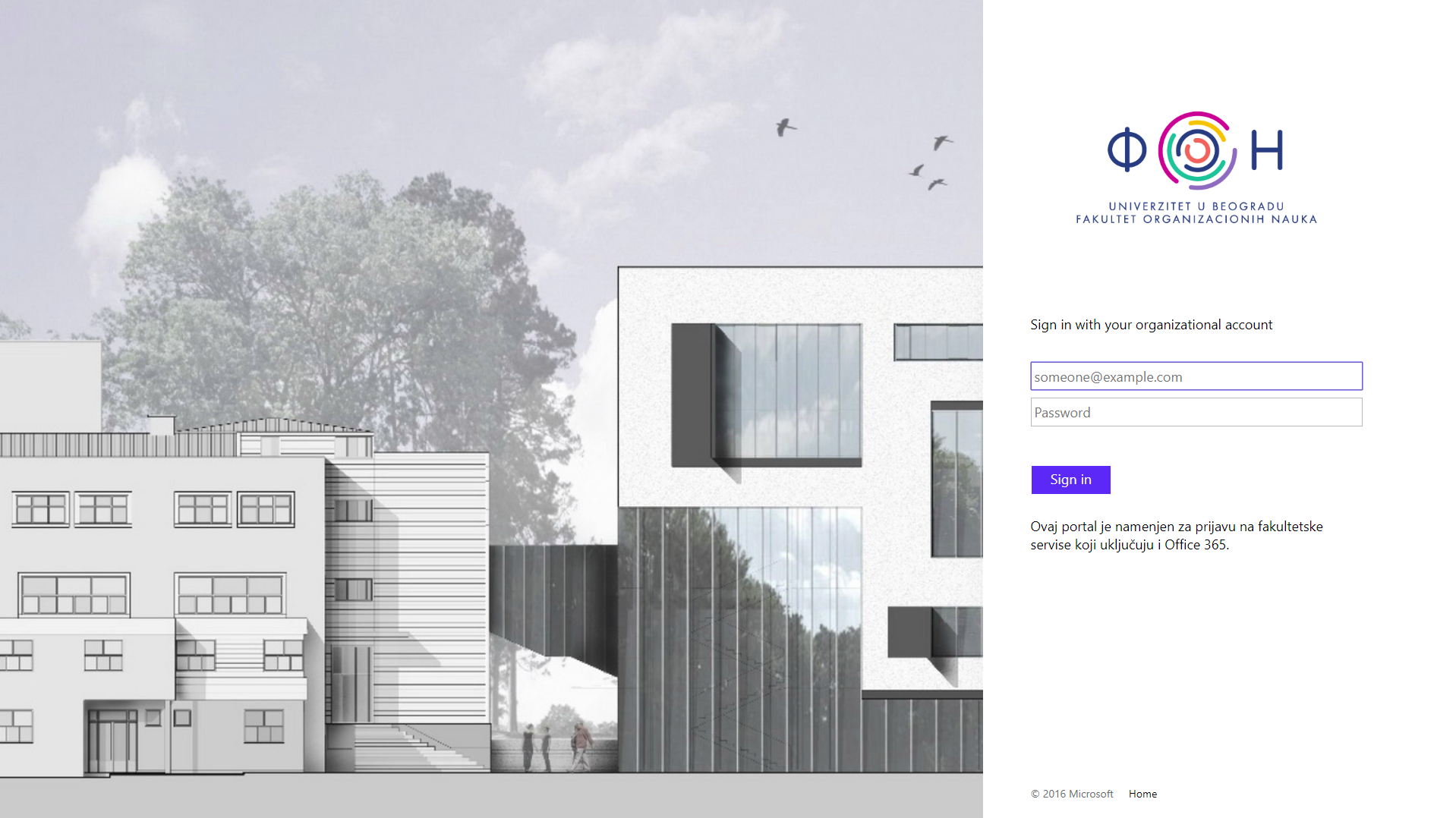
ПријаваSign in
Унесите ФОН креденцијале (мејл и привремену лозинку).Enter your FON credentials (email and temporary password).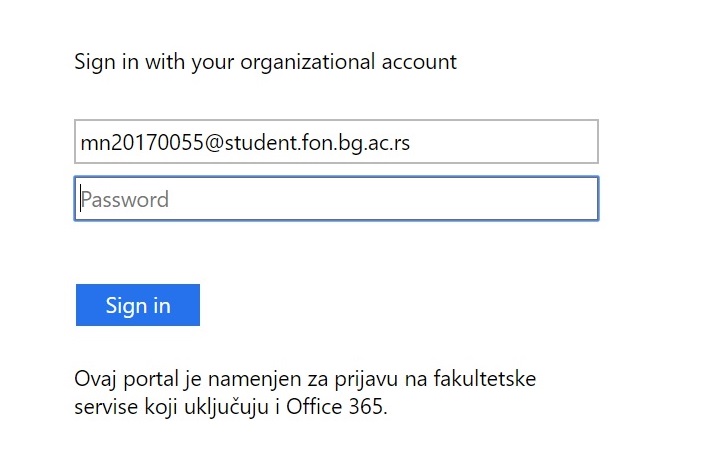
Промена лозинкеChange the password
Након пријаве поставите нову лозинку. У поље „Old password“ унесите привремену лозинку.After signing in, set a new password. In the “Old password” field enter the temporary password.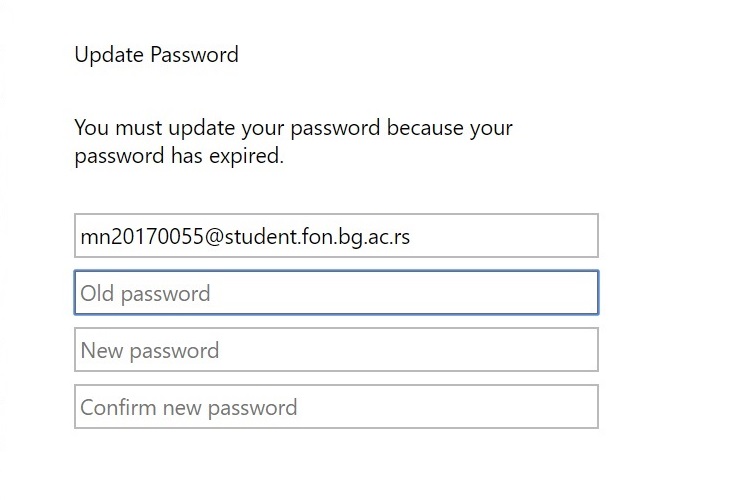
Захтеви за нову лозинкуNew password requirements
- најмање 8 карактера;
- бар три од четири категорије: велико слово, мало слово, цифра, специјални карактер;
- не сме садржати име, презиме, иницијале, број индекса нити било који део мејл адресе.
- at least 8 characters;
- at least three of four categories: uppercase letter, lowercase letter, digit, special character;
- must not contain your name, surname, initials, index number or any part of the email address.
Након активацијеAfter activation
Ако се јави грешка, проверите да ли су корисничко име и привремена лозинка исправни и да ли нова лозинка испуњава захтеве. Ако проблем остане, обратите се Рачунском центру:If an error occurs, check that the username and temporary password are correct and that the new password meets the requirements. If the problem persists, contact the Computing Center: sluzba.rc@fon.bg.ac.rs